character limit for linkedin posts: A complete guide
Discover the character limit for linkedin posts and learn how to craft posts that maximize engagement and reach.

When you're crafting content for LinkedIn, every character counts. A standard post gives you a generous 3,000 characters to play with, which is plenty of space for detailed stories and deep insights. But don't get too comfortable—your headline is capped at a tight 220 characters, and comments max out at 1,500 characters.
Knowing these specific limits isn't just about avoiding error messages; it's about making your words work harder and communicating your value honestly.
Your Quick Reference Guide to LinkedIn Character Limits
To help you plan your content without ever getting cut off, I've put together this quick reference guide. While a 3,000-character post offers a ton of room, other parts of your profile demand you be much more concise.
This guide is built for speed. Use the table below to find the exact number you need, right when you need it. Think of mastering these limits as the first step toward creating content that's not just compelling, but perfectly suited for the platform.
Here's a quick look at the most important character limits you'll run into:
- Standard LinkedIn Posts: You have up to 3,000 characters to share your insights.
- LinkedIn Comments: When you're engaging with others, you're limited to 1,500 characters per comment.
- Profile Headline: Your professional tagline has to pack a punch within a concise 220 characters.
- About Section: You get up to 2,600 characters to tell your professional story.
Here's a more detailed breakdown in a table you can bookmark for easy access.
LinkedIn Character Limits Quick Reference Table
This table summarizes the most common character limits across LinkedIn. Keep it handy to ensure your content always fits perfectly.
| LinkedIn Feature | Character Limit | Strategic Tip |
|---|---|---|
| Profile Headline | 220 | This is your elevator pitch. Focus on keywords and be clear about the value you provide. |
| About Section | 2,600 | Use storytelling to outline your career journey, skills, and the principles that drive you. Break it up with short paragraphs. |
| Standard Post | 3,000 | Great for in-depth analysis, but remember the "see more" cutoff happens around 210 characters on mobile. Hook them early! |
| Comment | 1,500 | Ample space to add real value to a conversation. Avoid generic replies and offer thoughtful, ethical insights. |
| Article Headline | 150 | Make it compelling and SEO-friendly. This is what shows up in feeds and search results. |
| Article Body | 125,000 | A massive limit that lets you publish long-form, authoritative content directly on the platform. |
| Company Page "About" | 2,000 | Clearly state your company's mission, vision, and value proposition. Be transparent. |
| Company Page Post | 3,000 | Same as a personal post. Use it to share company news, case studies, and industry insights. |
Ultimately, understanding these numbers is about strategy. A sharp, well-crafted headline that uses its 220 characters perfectly can be far more powerful than a rambling post that maxes out its 3,000-character limit without a clear point.
By keeping these figures in mind, you can put your message where it matters most—from a headline that grabs immediate attention to an in-depth post that builds authority.
Why LinkedIn Upped Its Character Limit to 3,000
LinkedIn's move to a 3,000-character limit wasn't just a random update—it was a huge signal about the platform's future. They are deliberately shifting away from being a simple digital resume folder and toward becoming a real content hub, a place where professionals share deep insights and build actual authority.
Think about it. LinkedIn used to have a super-restrictive 130-character limit, eventually moving to 1,300 in 2016 before landing on the current 3,000. This evolution shows a clear commitment to substance over soundbites. They want more professional storytelling and less of the quick, forgettable updates. You can find more of my thoughts on what this means for creators over on the Contentide blog.
This change gives you the room to move past simple headlines and craft compelling narratives that actually mean something.
From Resumes to Rich Conversations
By giving us more space to write, LinkedIn is telling us what they value: depth over brevity. Longer posts allow for the kind of complex case studies, personal career journeys, and nuanced opinions that a shorter format just can't handle.
It also changes the entire dynamic of the feed. Instead of just quick "likes," thoughtful, longer posts invite comments that spark real discussions. The platform becomes a space for genuine professional debate and learning, not just a highlight reel.
The goal is no longer just to connect, but to truly communicate. LinkedIn wants its users to become thought leaders, and giving them the space to do it ethically is the main way they're making that happen.
What This Means for Your Content Strategy
If you understand this strategic shift, you're halfway to creating content that actually works on LinkedIn today. Your posts need to align with the platform's clear preference for value-driven content that educates, informs, or inspires.
Here’s how you can adapt your own strategy:
- Embrace Storytelling: Don't just state facts. Use the extra room to tell the stories behind your projects, your failures, and your biggest wins. Be authentic.
- Provide In-Depth Analysis: Break down a complex industry topic. Offer your unique perspective. Go deeper than the surface-level takes everyone else is sharing.
- Focus on Value: Make sure every single post gives your audience something tangible they can walk away with. Sharing knowledge freely is a cornerstone of ethical marketing.
Start treating LinkedIn like a publishing platform, not just another social network. When you do that, you can really take advantage of the generous character limit to build your professional brand and establish yourself as a credible voice in your field.
Mastering Every Character Limit on The Platform
Everyone talks about the main 3,000-character limit for a standard LinkedIn post, but if you stop there, you’re missing the bigger picture. Winning on LinkedIn means mastering every single text field the platform gives you, and each one has its own specific set of rules.
Think of it as an ecosystem. From your headline to your direct messages, every character limit is a unique opportunity to shape your professional brand. Knowing these boundaries doesn't just keep you from getting cut off; it forces you to be clearer, sharper, and more intentional with your words.
Your Personal Profile Character Limits
Your profile is ground zero—it's often the first real impression someone gets of you. You have to make every character count to build a compelling narrative that hooks people in.
- Profile Headline: You get 220 characters to tell the world who you are and what you do. This is your digital elevator pitch and prime real estate for keywords that help you get discovered.
- About Section: With 2,600 characters, this is your chance to tell your story. Go beyond a simple resume summary and share your key achievements, your professional philosophy, and what drives you.
- Experience Descriptions: Each job on your profile gets 2,000 characters. That's more than enough space to detail your responsibilities and, more importantly, quantify your impact with real results.
Platform-Wide Limits Beyond Your Profile
Once your profile is dialed in, the game expands to long-form content, Company Pages, and even private messages. LinkedIn Articles, for instance, give you a massive 110,000 characters to play with, making them perfect for deep dives and establishing true thought leadership.
Even direct messages are generous at 8,000 characters, though I’d recommend breaking up anything that long for readability. And remember, your text is just one piece of the puzzle. To make sure your visuals are just as optimized, check out this complete guide to LinkedIn post dimensions.
This system of limits—from the 2,000 characters for a Company Page "About" section to the tight 200-character subject line on an InMail—is all designed to encourage focused communication. When you know the numbers, you make every word work harder for you.
How to Beat the 'See More' Button
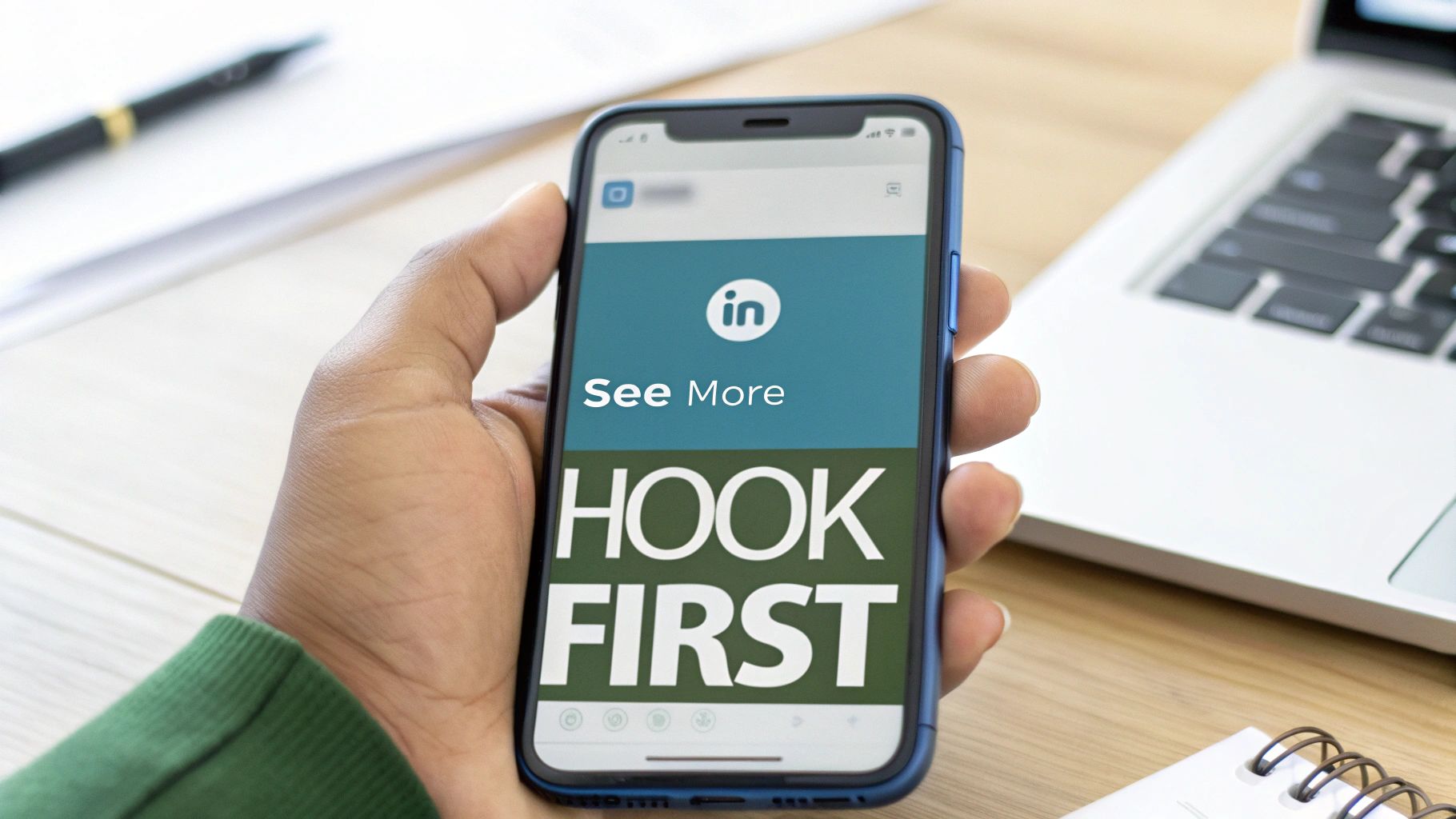
While LinkedIn gives you a generous 3,000 characters for a post, your audience only sees a tiny fraction of that in their feed. The platform cuts off your text after roughly 210 characters on desktop, tucking the rest of your message behind the dreaded "...see more" link.
Think about that for a second. Those first few lines are the most valuable real estate you have. They're your entire pitch, the one shot you get to convince someone to stop scrolling and click to read what you have to say.
If that opening is weak, the rest of your hard work might as well be invisible. It's not about writing clickbait; it's about sparking genuine curiosity and proving your post is worth their time.
Crafting a Powerful Opening Hook
To stop the scroll and earn that click, your first two or three lines need to be absolutely compelling. The goal is simple: make the reader feel like they'll miss out on something valuable if they don’t expand your post.
Here are a few proven strategies I’ve seen work time and time again:
- Ask an Intriguing Question: Start with something that makes your reader pause and think. For example, "What if your best client came from a single comment you left on LinkedIn?"
- Make a Bold Statement: A strong, counterintuitive, or surprising claim can immediately grab attention. Try something like, "I deleted half of my LinkedIn connections. My engagement doubled."
- Use a Shocking Statistic: Numbers are incredibly powerful hooks. "Over 80% of professionals ignore connection requests without a personalized note. Here’s how to be in the top 20%."
The very best hooks always promise a clear takeaway. Whether it’s a surprising story, a step-by-step breakdown, or a personal lesson learned, the reader should know exactly what they'll get by clicking "see more." An ethical approach means your content must deliver on the hook's promise.
If you’re feeling stuck or need a creative spark, you can explore ideas with an AI-powered hook generator that helps you find the perfect opening line. By obsessing over that initial 210-character window, you give your content the best possible chance to be seen and appreciated.
Writing Engaging Content Within the Limits

Knowing the character limits is just the starting line. The real work is crafting content within that space that actually stops the scroll and gets professionals to engage. Just filling up the 3,000-character limit isn’t a strategy—effective communication is.
Your goal should be to blend substance with scannability. Professionals fly through their feeds, so your post has to be structured to grab their attention and hold it. This comes down to making deliberate choices about formatting, length, and language to make sure your message lands.
Finding the Engagement Sweet Spot
Sure, you have 3,000 characters to play with, but the data points to a sweet spot for engagement sitting somewhere between 1,500 and 2,000 characters. This length gives you enough room for a detailed breakdown or a compelling story without totally overwhelming the reader. We're talking about a 3-4 minute read, which is perfect for a busy professional.
Content that's long enough to offer real value but concise enough to be digested quickly tends to win. It's all about respecting your audience's time while still delivering a complete, impactful message.
Hitting this balance keeps your readers engaged from the hook all the way down to your call-to-action, preventing the dreaded reader fatigue.
Structuring Content for Maximum Readability
Longer posts absolutely demand smart formatting to avoid becoming a wall of text. Visually breaking up your content isn't just a nice-to-have; it's essential for keeping readers locked in, especially since over 57% of LinkedIn traffic now comes from mobile devices.
To make your posts more readable, put these best practices into play:
- Use Generous White Space: Keep your paragraphs short and punchy—one to two sentences is often ideal. Use double line breaks between them. This creates breathing room and makes your content feel way less intimidating and much easier to scan.
- Leverage Bullet Points and Lists: When you're sharing tips, steps, or key takeaways, bulleted or numbered lists are your best friend. They organize information neatly and give the reader's eyes a break from standard paragraph text.
- Incorporate Strategic Hashtags: Stick 3-5 relevant hashtags at the end of your post. This helps expand your reach beyond your network without making the body of your text look cluttered. Just remember, every hashtag eats into your character count.
- End with a Clear Call-to-Action (CTA): Always tell your audience what to do next. A strong CTA is what sparks conversation and drives visibility. Ask a direct question, invite people to share their own experiences, or prompt a specific action.
Optimizing Your LinkedIn Profile for Impact
While the 3,000 character limit for LinkedIn posts gets all the glory, your personal profile is the true foundation of your brand. Think of it less like a static resume and more like a dynamic landing page designed to attract real opportunities.
Every section has its own character constraint, forcing you to be strategic with every single word. Nailing these sections turns your profile from a passive history of your work into an active tool for networking and growth. And it all starts with your headline—your most valuable piece of digital real estate.
Making Every Character Count in Your Profile
Your headline is your digital handshake, and you only get 220 characters to make it count. It needs to do more than just state your job title; it should clearly communicate your core value proposition. A sharp, ethical headline dramatically boosts your visibility in search and encourages those all-important profile clicks.
If you're stuck, a good LinkedIn headline generator can spark some powerful ideas.
Moving down the page, other key sections demand the same level of attention:
About Section (2,600 characters): This is where you connect the dots of your career. Tell your professional story, showcase your unique perspective, and wrap it up with a clear call-to-action that tells visitors exactly what to do next.
Experience Section (2,000 characters per entry): Don't just list duties. Use the STAR method—Situation, Task, Action, Result—to frame your accomplishments. Quantify your impact with hard numbers and data to add instant credibility.
Your profile is the anchor for all your activity. A compelling, fully optimized profile gives context to every post you share and every comment you leave, making your overall presence far more effective.
Beyond your personal page, a cohesive brand presence is critical for business. Learning how to create a compelling LinkedIn business profile is the perfect next step to complement your personal branding efforts.
By mastering the character limits on your own profile, you're not just filling out fields—you're building a powerful and consistent professional identity.
Frequently Asked Questions About LinkedIn Limits
Even with a detailed guide, some questions always seem to pop up when you're trying to stay within LinkedIn's character limits. I'll clear up the most common points of confusion right here so you can post with total confidence.
Getting these little details right is what separates a good content strategy from a great one.
Does Formatting Count Toward the Character Limit?
Yes, absolutely everything counts. This is a crucial detail that trips up a lot of people. When LinkedIn calculates your post's length, it includes:
- Spaces: Every single space between words is one character.
- Punctuation: Commas, periods, exclamation points—they all add up.
- Emojis: Be careful with these. Most emojis count as two characters, not one.
- Hashtags: The text of your hashtag, including the # symbol itself, is part of the final count.
This means that while formatting makes your content way more readable, it also eats into your 3,000-character allowance. You have to plan for it, especially when your post is getting long.
Think of your character count like a strict budget. Every character, even the "invisible" ones like spaces and line breaks, is an expense. Managing it well is the key to delivering a powerful message without getting cut off mid-sentence.
Can You Edit a Post After Publishing to Change Its Length?
You sure can. If you publish a post and then spot a typo or want to tighten up a sentence, just click the three dots on your post and select "Edit post."
A word of caution, though: minor edits are perfectly fine. But if your post is already gaining traction, making significant changes could mess with its momentum. The LinkedIn algorithm seems to favor that initial burst of engagement, so it’s always best to get your post as polished as you can before you hit publish.
For more detailed answers on how the platform works, you can always check out our complete Contentide FAQ section for more insights.
Ready to stop worrying about character counts and start creating content that actually connects? Contentide uses AI to help you generate authentic, engaging LinkedIn posts in minutes. We believe powerful tools should be accessible, which is why our approach is grounded in ethics and affordability. It's designed to transform your ideas into perfectly formatted content that sounds just like you. Try Contentide for free today!
Hope you found this helpful. Feel free to share your thoughts.