Do Hashtags Work on LinkedIn? Your Complete Guide to Ethical Strategy
Do hashtags work on LinkedIn? Yes. Learn how to use them with a practical, no-cost strategy to boost your reach and professional engagement.

Let's cut right to it: hashtags absolutely work on LinkedIn. But if you're treating them like you do on Instagram or Twitter, you're doing it wrong.
Think of them less as a megaphone to blast your content everywhere and more as a precise, ethical filing system. When you use them correctly, you're telling LinkedIn’s algorithm, "Hey, this post belongs in this specific professional conversation." That’s how the right people discover you, without any manipulative tricks.
The Quick Answer: Yes, If You Are Strategic and Ethical

Unlike platforms where spraying a dozen tags is the norm, LinkedIn rewards relevance and precision. The goal isn't to just hope one sticks; it's about hand-picking a few highly relevant tags to neatly categorize your content. This simple, ethical shift in mindset is the key to unlocking their power.
Of course, hashtags can only do so much if your opening line doesn't grab attention. For those struggling to get their posts noticed in the first place, a killer hook is non-negotiable. You can use our affordable tool to craft compelling openings that stop the scroll: https://contentide.com/hook-generator
To really make an impact, your hashtags need to be part of a bigger plan. A truly practical LinkedIn content strategy is what turns good content into great results. A well-placed hashtag supports your content—it never replaces it.
Quality Over Quantity: An Ethical Approach
Don't just take my word for it. LinkedIn's own data backs up a "less is more" approach. The platform itself recommends using no more than three hashtags per post to avoid looking spammy. In fact, our own observations show that posts with too many tags often see a drop in engagement.
For accounts in the 50,000 to 100,000 follower range, using a few smart hashtags can boost engagement by a whopping 21.43% compared to posts that use none. This highlights just how important they are when used correctly and ethically.
This measured approach does two things: it gets your content filed correctly by the algorithm, and it signals to your audience that you understand the professional etiquette of the platform.
Effective vs. Ineffective LinkedIn Hashtag Strategies
To make this crystal clear, let's break down the dos and don'ts. Getting this right is often the difference between being seen by the right people and shouting into the void.
| Strategy Element | Effective Approach (Do This) | Ineffective Approach (Avoid This) |
|---|---|---|
| Quantity | Use 1-3 highly relevant hashtags. | Using 5-10+ generic or irrelevant tags. |
| Relevance | Mix one broad tag with 1-2 niche tags. | Stuffing your post with only popular, broad tags. |
| Placement | Place them naturally at the end of your post. | Hiding them in the middle of sentences. |
| Research | Check follower counts and recent posts for each tag. | Guessing or using the first tags that come to mind. |
| Goal | To ethically categorize content for a target audience. | To maximize reach at all costs, regardless of relevance. |
| Consistency | Develop a core set of tags for your niche. | Using random, unrelated tags for every post. |
Following the "Effective" column is a simple way to ensure you're using hashtags as a strategic tool, not just as decoration.
Key Takeaway: The sweet spot is 1-3 highly relevant hashtags. A smart mix of one broad tag and a couple of niche ones ensures your content reaches both a wider audience and the specialized communities who are most interested in your expertise. It’s all about being discovered by the right people, not just more people.
Right, let's get into how LinkedIn’s algorithm actually thinks about hashtags. If you want to know why some posts take off and others die a quiet death, you have to understand this part first.
Think of LinkedIn as a massive, hyper-organized library for professionals. When you slap a hashtag like #ContentMarketing onto your post, you're not just decorating it. You're giving the librarian—the LinkedIn algorithm—a very specific instruction.
You’re literally telling it, "Hey, put this on the 'Content Marketing' shelf." This stops your brilliant thoughts on strategy from getting lost next to posts about aerospace engineering. It’s a simple act of filing, but it’s the most important job a hashtag has.
Of course, it doesn’t stop there. This digital filing system is what dictates who sees your content in the first place.
The Three Jobs of a Hashtag
When you use a hashtag, you’re kicking off three specific actions that determine how far your post will travel. Each one plays a key role in getting your content in front of the right people.
Here’s what’s happening behind the scenes:
- Categorization: This is job number one. The hashtag tells the algorithm what your post is about, period. Using #ProjectManagement ensures your post gets grouped with other tips, tools, and discussions on that exact topic. It's basic, ethical organization.
- Discoverability: This is how new people find you. When someone searches for a term or follows a specific hashtag, your post gets a shot at appearing in their feed—even if they have no idea who you are. This is your ticket to reaching beyond your existing network.
- Relevance Signaling: This one's a bit more subtle. When you use relevant hashtags, you're signaling to the algorithm that your content belongs to a specific community. If people who follow #B2BMarketing start liking and commenting on your post, LinkedIn’s algorithm learns that your content is a good fit for that audience and starts showing it to even more of them.
Once you get your head around this "filing system," your entire approach changes. You stop just tossing in random tags and start strategically placing your content. It's not about hoping for a viral hit; it's about deliberately putting your ideas in front of the professionals who will actually care. That’s the real foundation of an ethical and effective hashtag strategy.
Finding the Right Hashtags Without Expensive Tools
You don't need fancy, expensive software to build a hashtag strategy that actually gets you results on LinkedIn. Honestly, the platform gives you all the data you need to find great tags, making this an ethical and—best of all—affordable approach for any professional.
The secret is focusing on a balanced mix of three specific hashtag types. This simple, three-part method is all about organizing your content for the algorithm and making sure it connects with the right people.
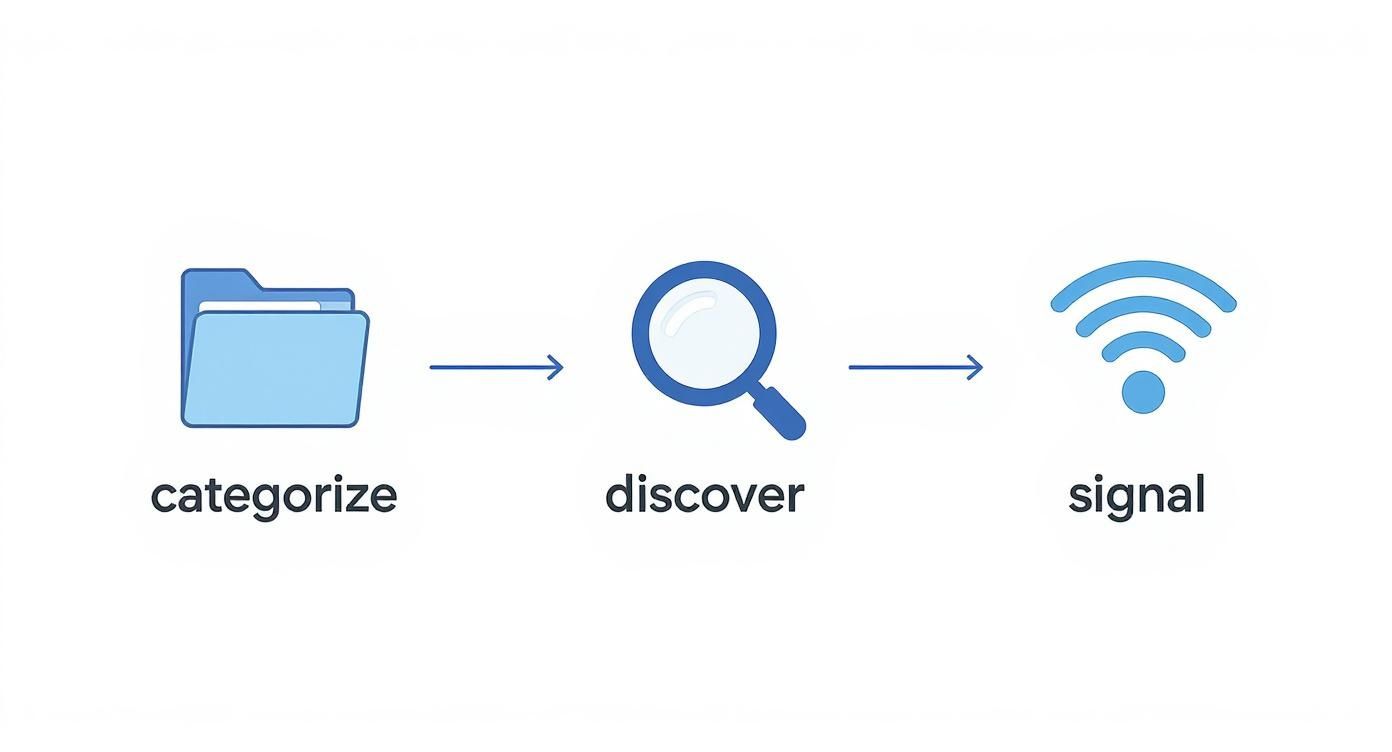
This process shows how hashtags first categorize your content, then help others discover it, and finally signal its relevance to the algorithm.
A Repeatable and Affordable Three-Step Process
I recommend starting by categorizing your tags to make sure you're getting both broad reach and targeted engagement. This manual research is super straightforward and empowers you to make data-driven decisions without spending a dime.
Here’s the simple breakdown:
Broad Hashtags: These are the big, high-level industry terms like #Marketing or #Technology. They often have hundreds of thousands, sometimes millions, of followers. Using one of these is like dropping your content into a huge, general conversation—it offers maximum visibility but also faces stiff competition.
Niche Hashtags: Now we're getting specific. Think #B2BContentStrategy or #SaaSMarketing. These have smaller, more dedicated followings. Tossing one or two of these into your post ensures it reaches a highly relevant audience that is actively looking for specialized information.
Branded Hashtags: This tag is all yours, something unique to your company or personal brand like #ContentideTips. It will have zero followers when you start, and that’s okay. Its job is to organize your content over time and help you build a community around your brand. It’s a powerful, no-cost way to track your campaigns and create a content hub.
The real magic of this method is in checking the follower count for every single hashtag. Just type a potential tag into the LinkedIn search bar. The results page will show you exactly how many people follow it, giving you a crystal-clear indicator of its potential reach. This simple, affordable step turns pure guesswork into a repeatable, effective strategy. For more strategic insights on content creation, you can explore the articles on the Contentide blog.
Common Hashtag Mistakes That Hurt Your Reach

Hashtags can be a powerful amplifier, but a few simple mistakes can kill your post's momentum before it even gets started. Worse, the wrong approach can damage your credibility. Many professionals torpedo their own reach with rookie errors that show they don't quite get the platform's unwritten rules.
One of the biggest culprits is using massive, overly broad tags. Sure, #leadership seems like a no-brainer, but with millions of followers, it’s like shouting into a hurricane. Your post is instantly buried in a sea of noise, never reaching the specific people you want to connect with.
Another classic mistake is the copy-paste from Instagram, complete with a wall of 20+ hashtags. On LinkedIn, this just looks unprofessional and spammy. It’s a huge red flag for the algorithm, which is likely to dial back your post's distribution.
Subtle Errors That Diminish Impact
Beyond the obvious blunders, some more subtle missteps can be just as damaging. To avoid them, you have to appreciate that hashtags on LinkedIn play a different game than on other platforms.
Chasing Irrelevant Trends: Slapping a trending tag like #superbowl onto a post about B2B software just to get eyeballs is an unethical move. It confuses the algorithm and, more importantly, annoys the very people you're trying to impress.
Using Zero-Follower Hashtags: Unless it’s a unique branded tag for a specific campaign, creating a hashtag that nobody follows (like #MyAwesomeMarketingTipForTuesday) is a waste of space. It adds zero value for discovery or categorization.
Context is everything on LinkedIn. Take #entrepreneur—it grew its follower count by a factor of 10 between 2019 and 2021. This shows how getting in on a relevant, growing tag can give you a massive advantage. Stick to just three to five strategic hashtags to maintain a professional look and keep the algorithm happy. If you want to dive deeper, Sendible's detailed guide has some great insights.
Protect Your Professionalism: Every hashtag is a choice. Make sure each one has a clear, ethical purpose: to get your content in front of the right professional audience, not just to chase empty visibility.
How to Measure Your Hashtag Performance Affordably
A great hashtag strategy is just a theory until you can prove it works. Luckily, you don’t need to shell out for expensive analytics platforms. LinkedIn’s free, built-in tools give you everything you need to see the real impact of your hashtag choices.
So, where do you look? The first stop is your post’s impression data. After you publish, just click the impression count at the bottom of your post. LinkedIn pops up a neat little dashboard breaking down who saw your content—by company, job title, and location. This is where you connect the dots.
Moving Beyond Vanity Metrics
Think of it this way: are you using #Fintech and seeing your post land in front of banking professionals? That’s a direct hit. But if your #SaaSMarketing post is mostly getting views from people completely outside the tech world, that’s a clear sign your tags are missing the mark.
This data-driven feedback loop is your secret weapon for refining your approach, and it's completely free to use.
For a deeper dive into what your audience is saying and how your content is truly landing, you can also explore dedicated social listening on LinkedIn strategies.
This kind of analysis helps you move past simple likes and comments. It tells you if your hashtags are actually expanding your reach to the right professional audience.
The Data Doesn't Lie: Make it a habit to check your post analytics. You'll quickly see which hashtags connect you with your target audience. This lets you double down on what works and ditch what doesn’t—no more guesswork, no extra cost.
Right now, the sweet spot in most major markets is a strategic blend of 3 to 5 highly targeted hashtags per post. This strikes the perfect balance between discoverability and relevance, keeping your post visible without looking spammy to the algorithm.
And if you're looking to streamline your analysis, affordable tools that compare analytics and simplify your workflow can help you focus your time on what really matters: creating content that genuinely connects.
Got Questions About LinkedIn Hashtags? We've Got Answers.
Even with a solid game plan, a few nagging questions can always pop up. Let's tackle some of the most common ones I hear from professionals trying to get their hashtag strategy right.
Think of this as a final gut check before you hit "post." These are the practical, no-fluff answers you need.
Hashtags in the Post or in the Comments?
This one’s easy: always put your hashtags directly in the body of your post. I usually stick them at the very end for a clean look.
While dropping tags in the comments is a common trick on other platforms, it’s a total waste of time on LinkedIn. The algorithm needs to see those hashtags in the original post to figure out who to show your content to. If they're in the comments, they're basically invisible to the system.
Can I Edit a Post to Add Hashtags Later?
Yep, you absolutely can. Just click the three-dot menu on your post, hit "Edit post," and make your changes.
But here’s the catch: It’s always better to get them right the first time. LinkedIn starts categorizing and showing your post to people the moment it goes live. Adding hashtags later means you might miss that crucial, initial burst of visibility. Don't leave engagement on the table.
Should I Use Branded or Popular Hashtags?
The smartest strategy is to use a mix of both, because they do completely different jobs. A big, popular tag like #DigitalMarketing is great for getting your content in front of a massive audience. A more focused one like #SaaSMarketing connects you with a smaller, but more relevant, group of people.
Then you have branded hashtags, like our own #ContentideTips. This kind of tag does something else entirely. It won't get you a flood of new viewers, but it’s a powerful way to organize your own content and build a community. It gives your followers an easy way to find all your posts on a certain topic. Using both gives you the best of both worlds: wide reach and a focused community hub.
Ready to stop guessing and start posting with confidence? Contentide is an AI-powered LinkedIn content generator that turns your ideas into high-performing posts in minutes. Create authentic, engaging content that sounds just like you, complete with strategic hashtags. Try our affordable plans and see how easy it is to grow your professional network at https://contentide.com.
Hope you found this helpful. Feel free to share your thoughts.